Rough Cuts
Remove pauses, mistakes, dead air and filler words with simple instructions.
Try now
Create videos faster with AI. Describe the edit, use AI agents to handle repetitive editing work, and switch to the timeline when you want more control.
















Remove pauses, mistakes, dead air and filler words with simple instructions.
Turn a 16:9 YouTube video into 9:16 Shorts while keeping the person or object in frame.
Generate missing shots using AI models or ask AI to choose from 16mn+ stock media.
Remove or replace objects/backgrounds without traditional frame-by-frame masking.
Generate sound effects and other audio directly inside the editing workflow.
Search through hours of footage using natural language, such as "show me all the scenes with the lady in the red jacket".
Export the timeline from invideo editor to Premiere Pro, DaVinci Resolve and Final cut pro.
Edit videos from a transcript, just like editing a doc. Update the transcript and preview the change live.
Use the invideo agent to make changes to your video clips with text commands. Type a command to delete scenes, mute audio, change voiceover, adjust video effects, and more.
Learn more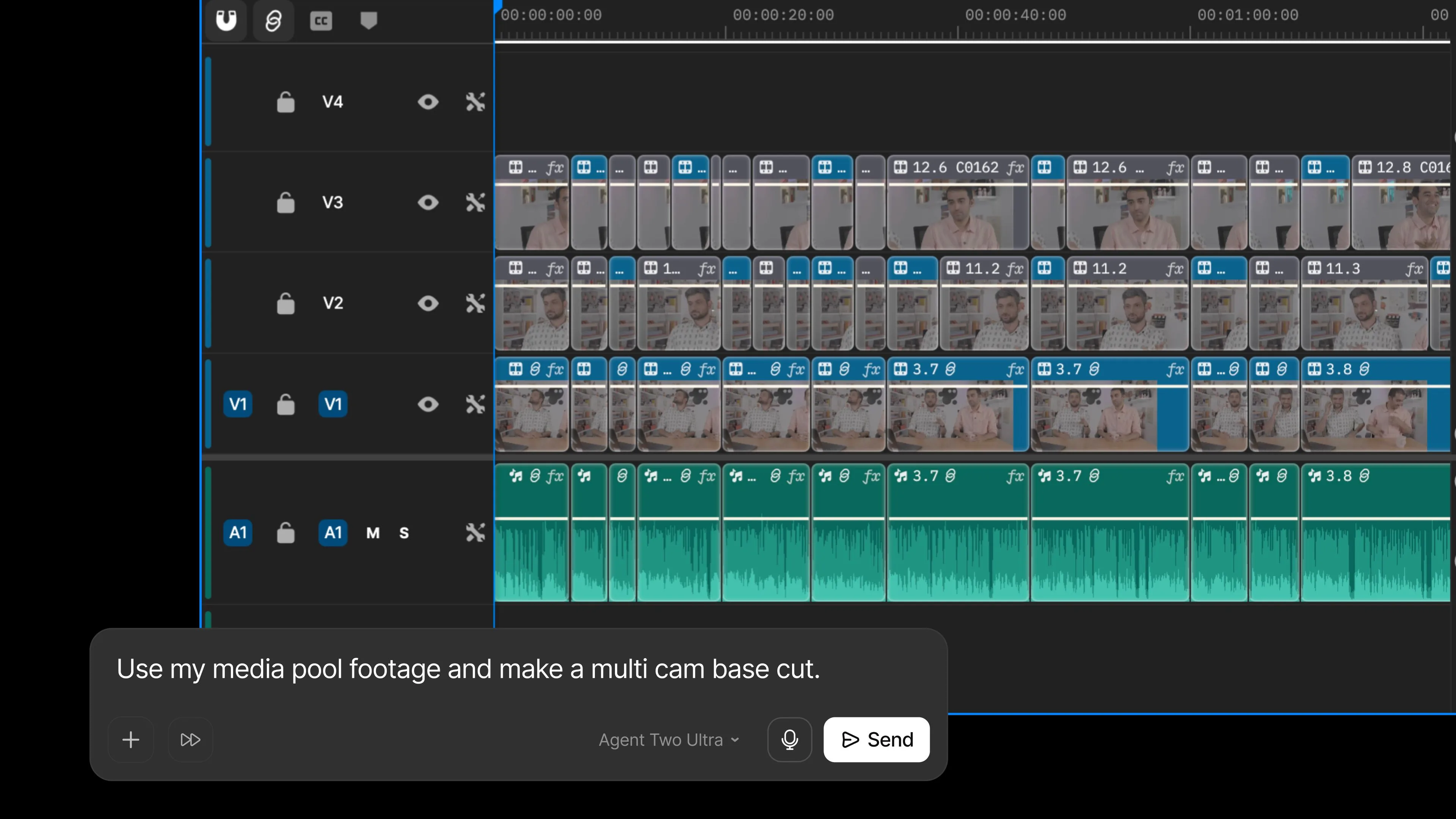
Edit with your entire editing team on a single timeline. Editor, Colorist, Sound Designer, VFX artist and the invideo agent on the same cut, every change visible to everyone.
Learn more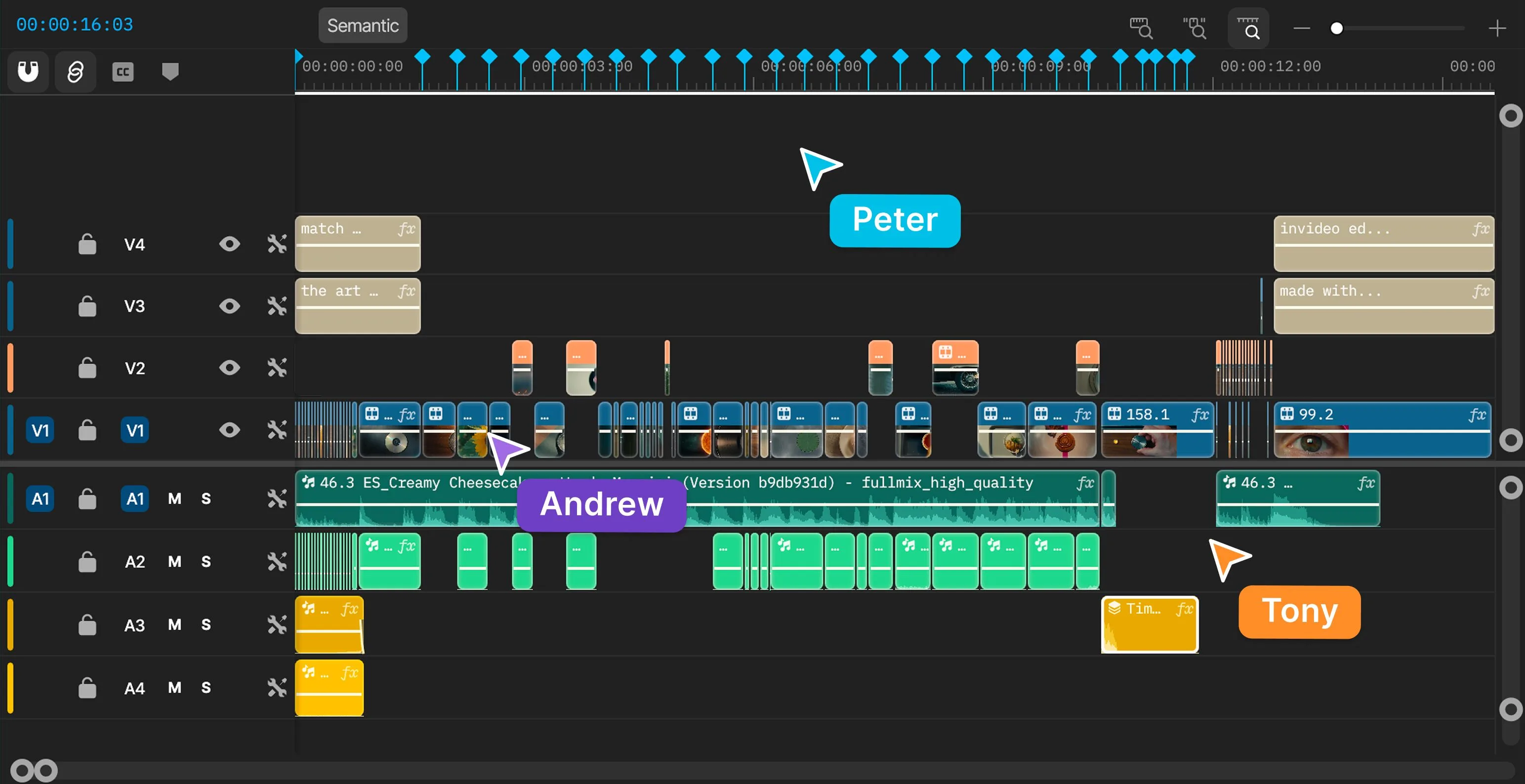
Edit podcasts, vlogs, gaming videos, sports highlights, interviews, explainer videos, ads, films and more.
Learn more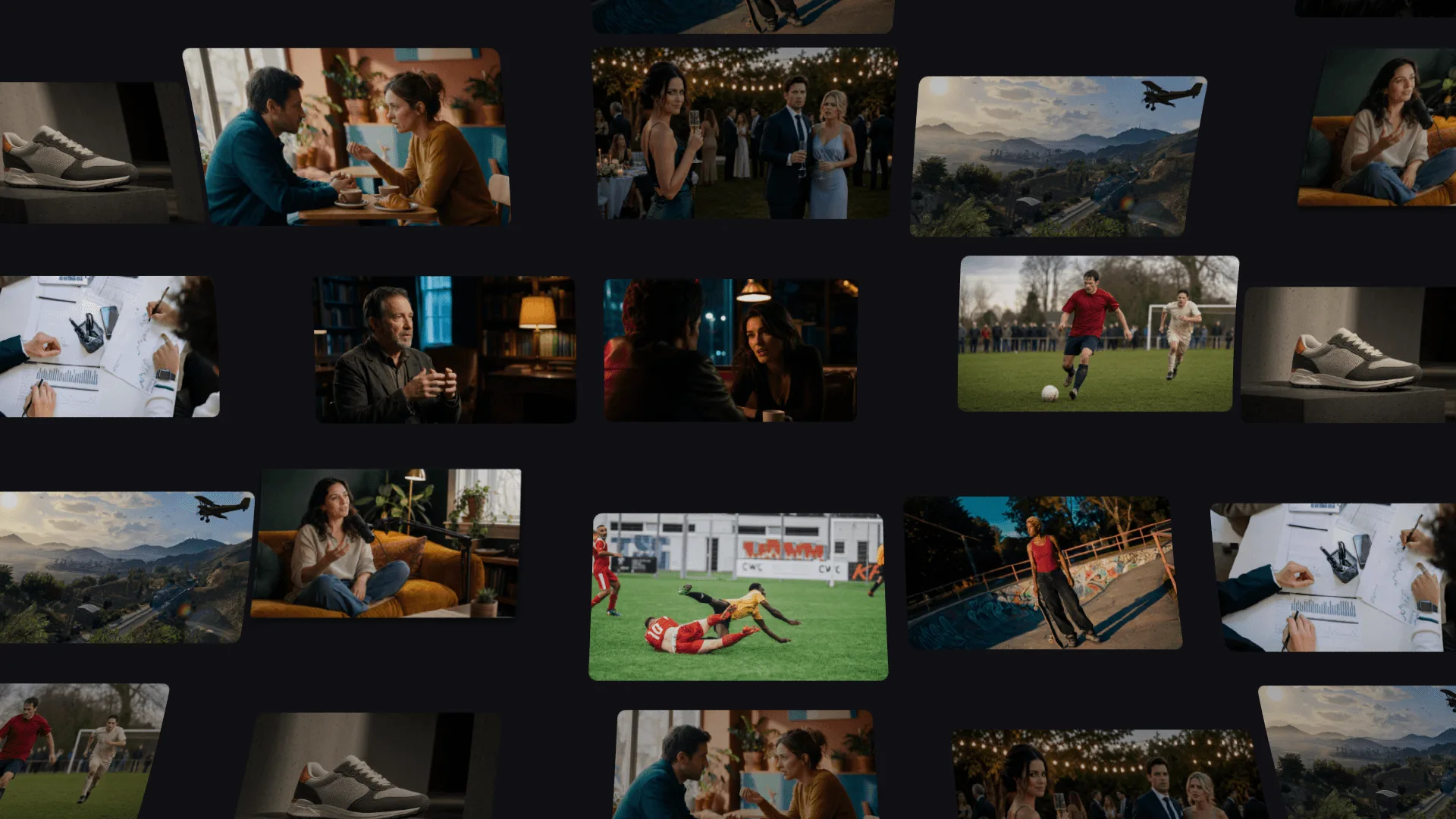
Bring your whole creative process inside invideo, with the best image, video, audio, editing and language models on tap.
Collaborate in real time with live cursors to show what everyone's working on.
Turn any script or idea into a shot-by-shot plan, then tweak as needed before generating.
Write your script inside invideo, and ask an AI co-writer for help if you'd like.
Picture Premiere Pro with full AI.
Create custom agents to fill specific roles like cinematographer, music designer, and more.
No. The AI does the passes; you direct. Every change lands on the timeline as a normal, visible, reversible edit, and nothing ships without your approval. It's an assistant editor, not a replacement.
Clip tools run one recipe: transcript in, captions on, shorts out. This editor reads the footage itself (words, speakers, shots, beats), makes editorial decisions against your brief, and hands you an editable timeline instead of a locked export.
200+ models across video, image, and audio, routed per job. No single model is best at everything, so each shot gets the right one, and the output arrives as clips on your timeline.
Yes, that's the point. Upload your own rushes, interviews, screen recordings, or multicam and the AI edits that material. You can generate a missing shot inside the same project when you're short one, but you never have to start from a prompt.
Yes. The free plan gives you the AI editor and the full timeline, with no credit card. Free exports carry a watermark and weekly limits apply, and paid plans remove them.
Yes. Every clip is transcribed, so captions can be generated and translated into another language, and they stay synced as you keep cutting.